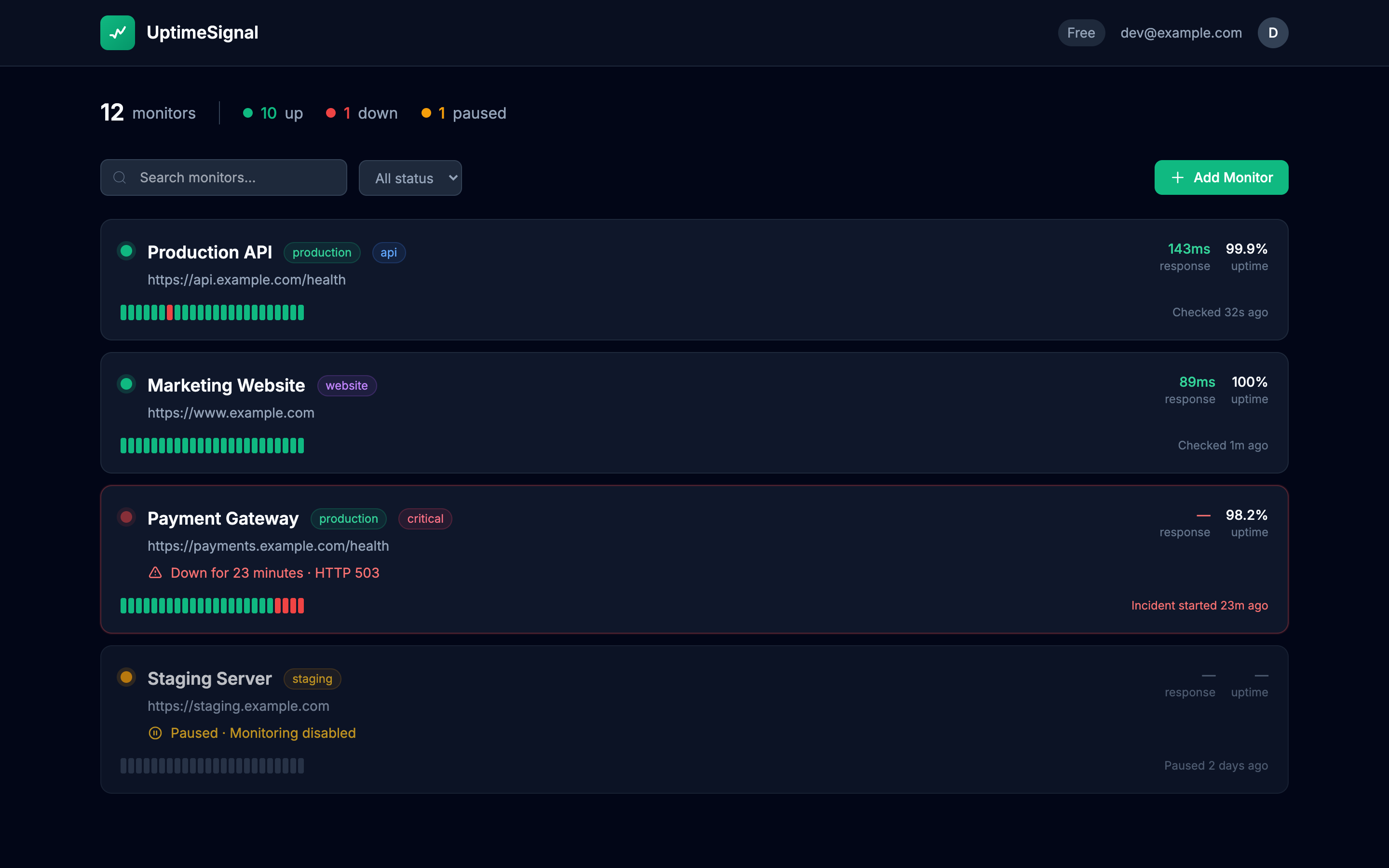
See all your APIs at a glance
Status, response times, uptime history. One dashboard.
Your API returned 500. Do you know?
UptimeSignal monitors your REST APIs from outside your infrastructure.
When an endpoint fails, you get alerted in under 2 minutes. Not when users complain.
25 monitors free. No credit card required.
GET  api.yourapp.com/v1/health    200 OK   (89ms)
POST api.yourapp.com/v1/auth      200 OK   (124ms)
GET  api.yourapp.com/v1/payments  500 ERR  (2340ms)
→ Alert sent to [email protected]Modern applications are built on APIs. Your mobile app talks to your backend. Your SaaS customers integrate via your public API. Your microservices call each other constantly.
When an API fails, everything downstream breaks. A 500 error on your payment endpoint means lost revenue. A timeout on your auth API means frustrated users who can't log in.
You need to know the moment an API fails, before your customers start complaining, before you lose transactions, before it cascades.
Status, response times, uptime history. One dashboard.
Email, Slack, Discord, Telegram, and webhook alerts within 60 seconds of detecting API failures. Recovery alerts when you're back online.
Detect 4xx and 5xx errors before your users do.
Catch slowdowns before they become outages.
Get warned before your SSL expires.
DNS failures, refused connections, network issues.
Endpoints that hang without responding.
Auth tokens, API keys, custom request headers.
Your /health or /api/status endpoint that checks database, cache, and critical dependencies.
Authentication, payments, checkout, the endpoints that directly impact revenue.
Stripe, Twilio, SendGrid, know when external APIs your app depends on go down.
Endpoints that receive callbacks from payment processors, messaging services, etc.
Each service in your architecture that exposes an API.
Email in your inbox. Slack ping in your channel. Within 2 minutes.
No per-endpoint fees. Unlimited monitors for $10/month.
Get started with essentials
For serious API monitoring
25 monitors free. No credit card required.
We'll send you a magic link. No password to forget.
Also see: Synthetic Monitoring